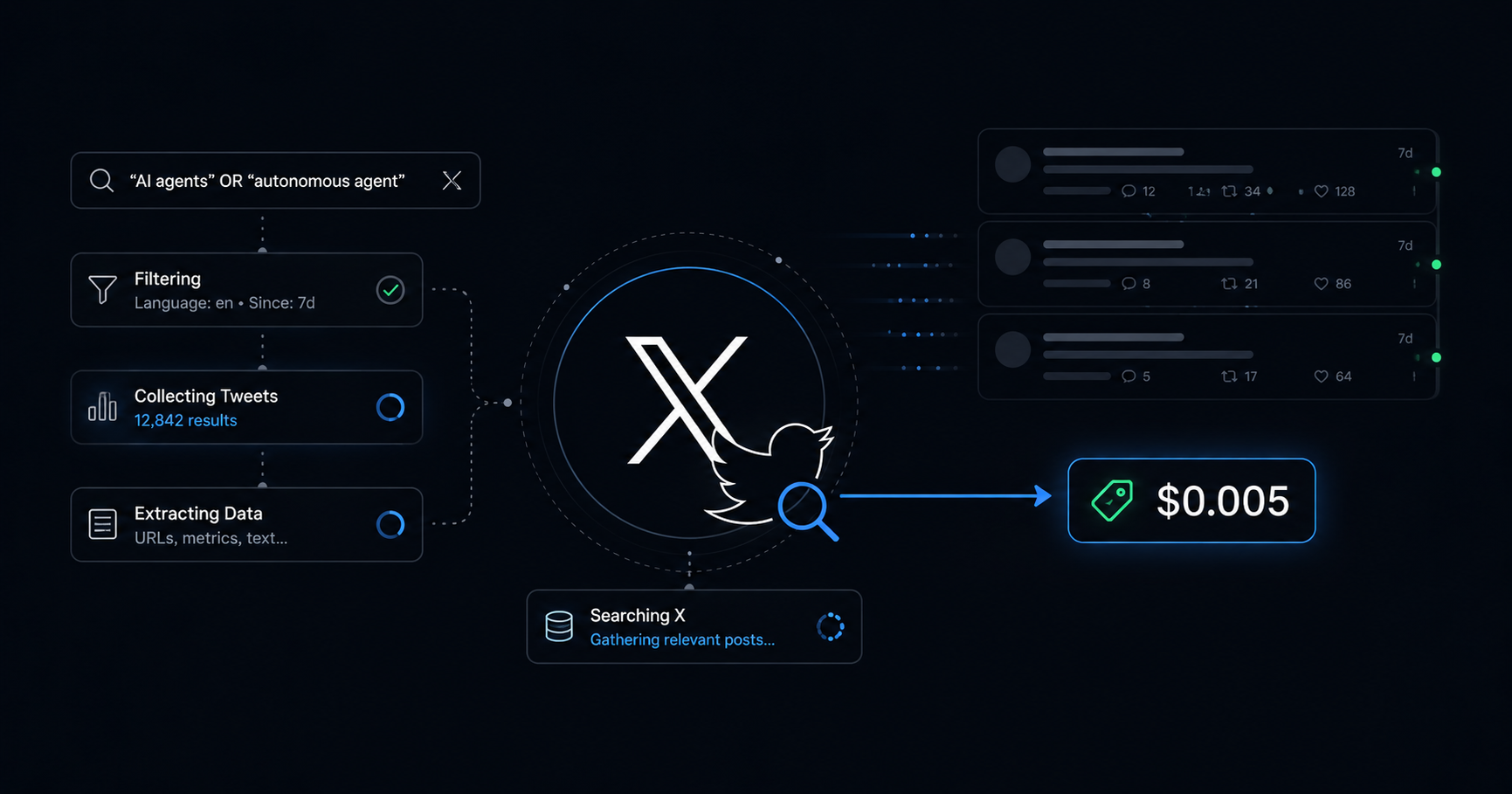

X Search Used to Mean Scrapers, OAuth, or Paid Tiers. x_search Does It for $0.005.
I updated my local agent stack last night to get one feature: x_search.
It is the first time real-time X search is available inside an agent loop without scrapers, without OAuth dances, and without a $200 per month subscription floor.
The price is $0.005 per query. Twenty dollars of credits covers roughly 4,000 searches.
Here is what the tool actually does, what it costs, and the five things I am already using it for that I could not do before.
What x_search actually is
xAI shipped it as part of their Agent Tools API. The tool runs server-side on xAI’s infrastructure. You hand it a query, it returns posts.
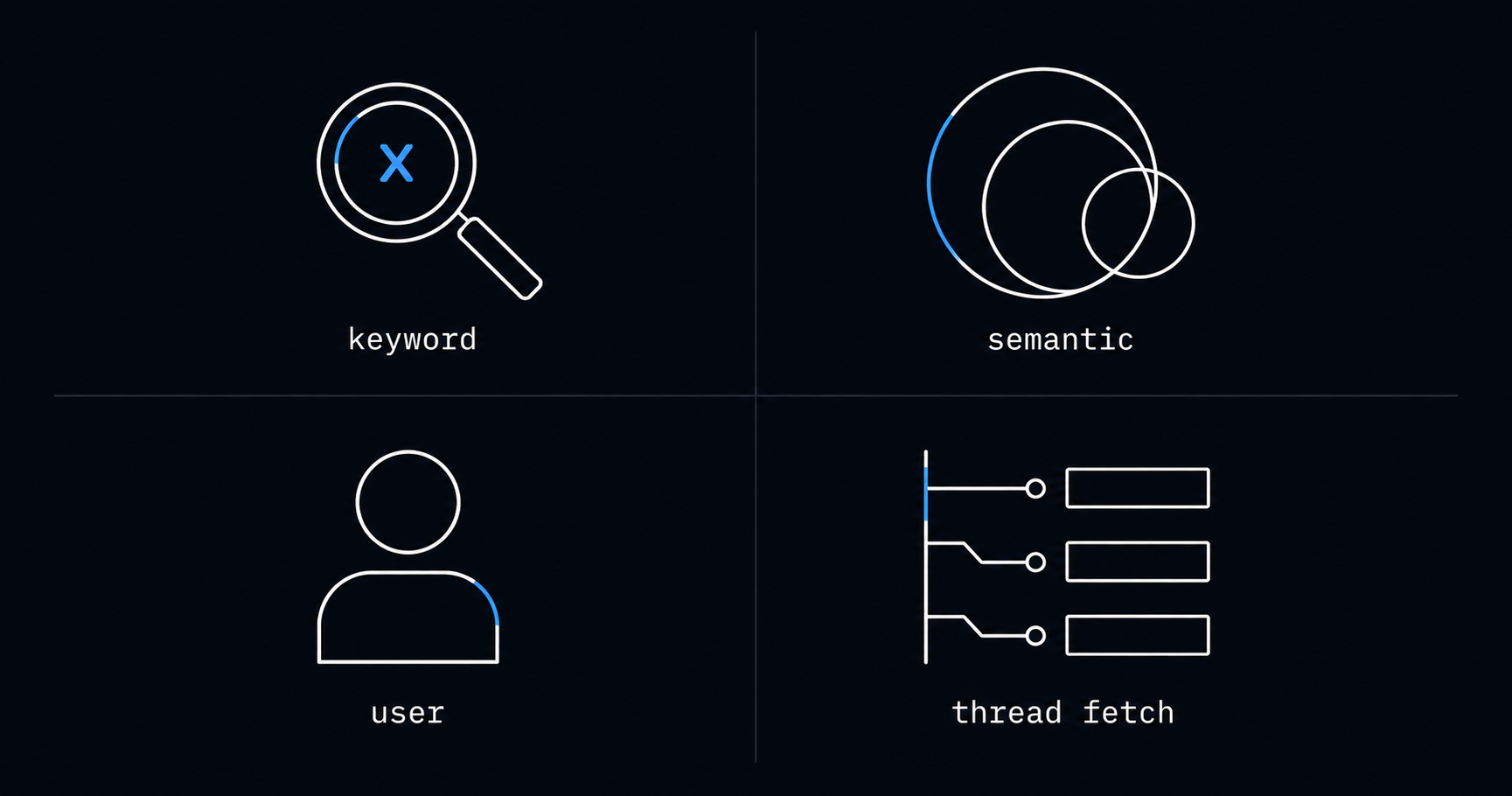
Four search modes are exposed:
- keyword search
- semantic search
- user search
- thread fetch
Five filters narrow the result set:
allowed_x_handles(up to 10 specific accounts)excluded_x_handles(up to 10 to skip)from_dateandto_date(ISO8601 date range)enable_image_understanding(analyze images in matched posts)enable_video_understanding(analyze videos, X Search only)
Semantic search is the one I did not expect. It pulls posts that mean the same thing as your query, not just posts containing the keyword. That is the function I would have built a vector index for last year.
Server-side execution means no rate limit management on your end. No OAuth flow. No sandboxed scraper. The agent loop decides when to call it, Grok handles the rest, results come back as part of the same response.
The cost, side by side
Per xAI’s published pricing page (2026-05-15):
- xAI x_search: $5 per 1,000 successful invocations, plus model tokens. Real-world cost per search lands around $0.005-0.01 depending on how much reasoning happens around it.
- X official API, pay-per-use (launched 2026-02 as the new default): $0.005 per post read, $0.010 per user lookup, $0.010 per post create.
- X official Basic legacy: $100 per month, 10,000 reads, hard rate limits.
- X official Pro legacy: $5,000 per month, 1M reads.
- Apify and similar scrapers: $0.05-$0.40 per 1,000 items, plus actor maintenance.
- Third-party scraper APIs (GetXAPI, twitterapi.io): $0.001-$0.002 per call, lower compliance ground.
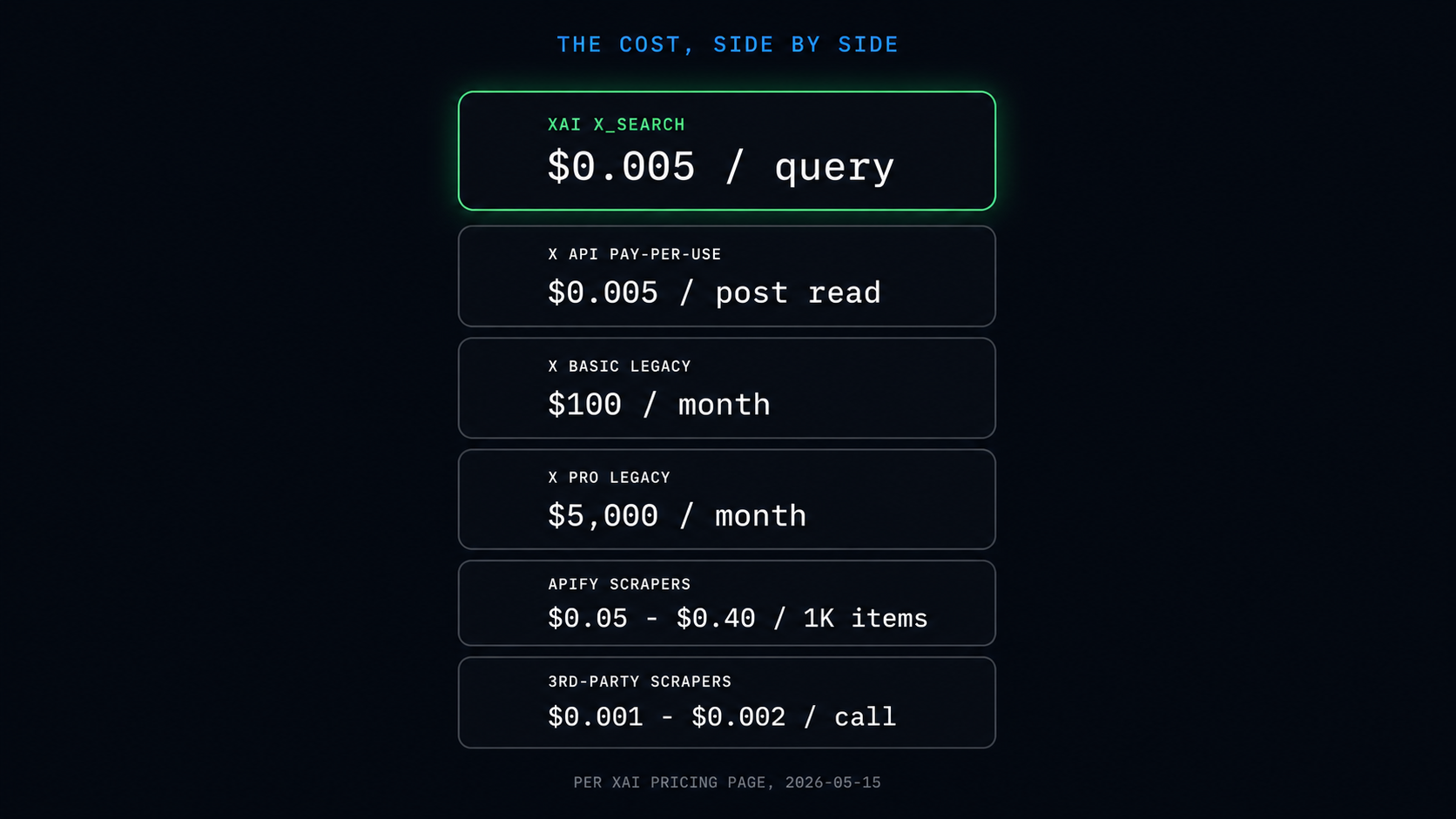
x_search is in the same band as the official X API’s new pay-per-use rate. The difference is what comes with it.
Official X API at $0.005 per read gives you the raw post, you do the search logic. x_search at $0.005 per invocation gives you a search the model already performed, semantic reasoning included, citations attached, ready to feed into the next step.
If you only want raw posts and you are doing your own ranking, the official API at the same price point is cleaner. If you want a search that already understands “find me posts where developers are frustrated with rate limits this week,” x_search collapses three steps into one.
For a starting account, the math works out either way. xAI runs promotional credits at signup from time to time, and you can also load prepaid credits directly. Either way, $20 on the account is roughly 4,000 searches. Auto top-ups are off by default. Use it up and the API just stops, no surprise bill.
Five things I am actually using it for
Topic monitoring with semantic search
A query like “developers complaining about Anthropic rate limits in the last 48 hours” returns posts about throttling, queue waits, and 429 responses, even when those exact words are not in the post. The official API at the same price returns nothing useful here without me writing the semantic layer myself.
Account watch lists
allowed_x_handles takes ten handles. I keep one watch list of researchers I want to read every morning. One x_search call returns the recent posts from all ten, filtered to a topic. No Lists, no scraping, no scheduled crawl.
Historical research with date ranges
from_date and to_date let me ask “what was the discussion around topic X in March 2025.” Web search returns articles. x_search returns the actual conversation thread that the articles were referencing.
Multi-agent research loops
xAI’s multi-agent model can fire web_search and x_search in parallel. Web fills in background. X fills in current discourse. The model synthesizes both before returning anything. I get a single answer that already cross-references reporting and primary social signal.
Sentiment scan around a release
When a model or product drops, the first signal lives on X for the first 24 hours. A single x_search call with a tight date window returns the reaction with engagement metrics in context, no separate analytics service.
What it does not do well
Engagement metrics come back inconsistently. The first version of my prompt returned zero engagement counts for every post. I had to specify the format I wanted. Even then, the numbers feel rougher than what the analytics API would return.
Real-time streaming is not the use case. x_search is for batch queries against the existing index. If you need every post containing a hashtag as they appear, you still need the official API’s filtered stream or a managed actor.
The 30-day window via Grok is documented but the further back you go, the spottier the results. For deep historical archaeology, the official Pro tier still wins.
Custom result formatting depends on the prompt, not the API. You will spend a few hours getting the agent to return exactly the JSON or markdown you want. Not hard, just not free.
How I set it up
Three commands.
# 1. Get an API key
# Open https://console.x.ai/, sign up, API Keys, Create key, copy

# 2. Register it locally
hermes auth add xai --type api-key

# 3. Test it
hermes chat -Q -q "Use x_search to find recent posts about [topic]. Return author, text snippet, and engagement counts."
That is it. The hermes auth add command prompts for the key in a hidden field. No shell history exposure. The key sits in ~/.hermes/auth.json.
You can do the same thing outside Hermes by hitting the xAI Responses API directly. Same tool, same pricing, just more plumbing on your side.
What I am watching for
Two things will change my use of this tool.
The credit balance runs out. At my current rate it will take a few months, but once it does I want a clean view of monthly spend before the auto top-up trigger ever fires.
xAI’s Live Search API was deprecated at the end of 2025. The Agent Tools API including x_search is the replacement path. If you still have any integration on the older endpoint, the migration is overdue.
What I am not watching for is the official X API. It now sits in the same price band per request, but the path from query to usable answer is longer. For the kind of research and monitoring most independent builders do, the answer-shaped output from x_search wins.
If you build any agent that has to know what is happening on X right now, this is the cheapest, lowest-friction way to wire that in that I have seen.
If you are using x_search for something I have not listed, drop the use case below. I want to know what the long tail looks like.