
Before You Swap Your Local LLM Backend, Two Things to Check
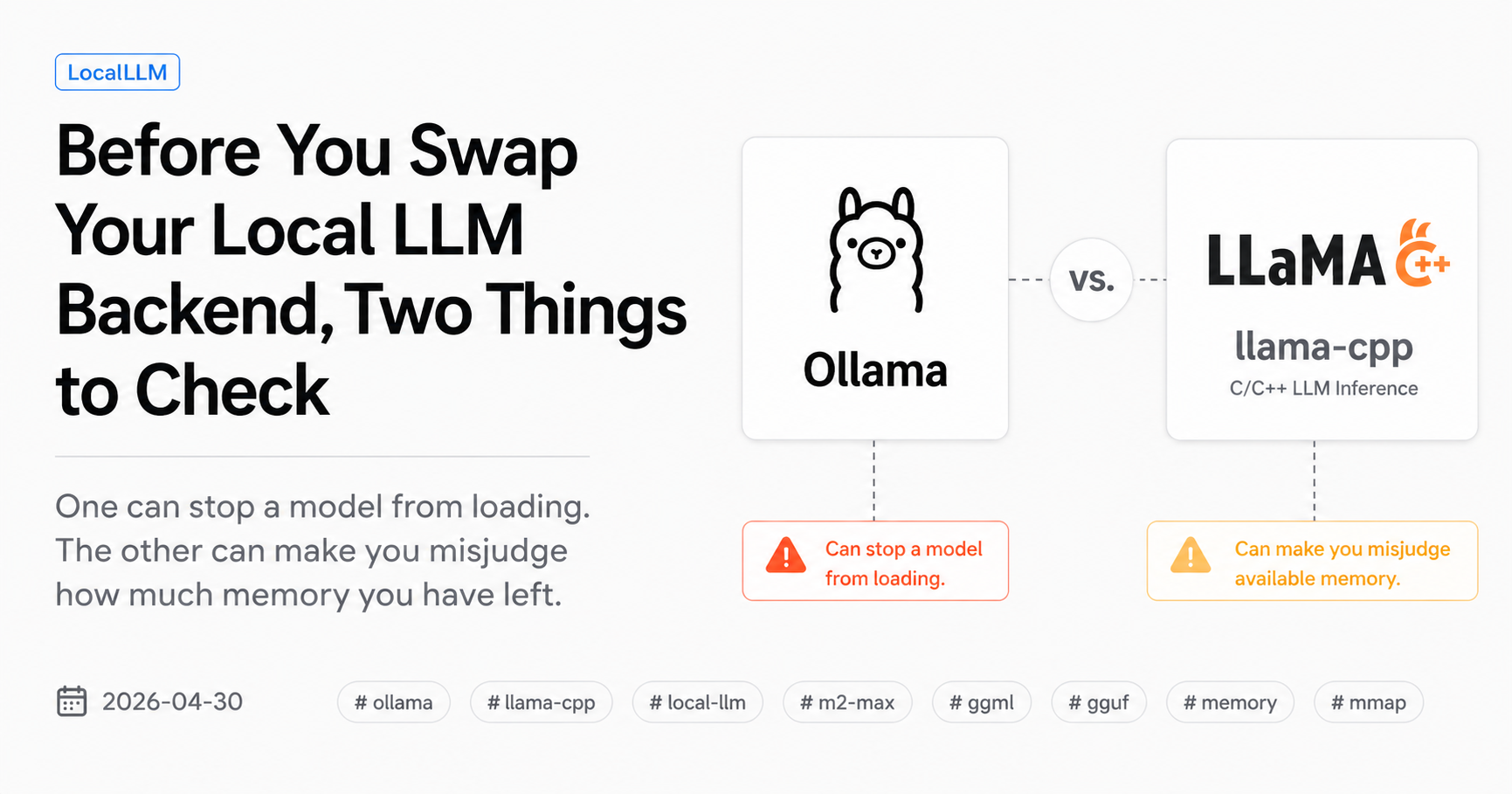
If you’ve thought about switching the local LLM server on your Mac from Ollama to llama.cpp, there are two things that don’t show up in the obvious benchmarks. One can stop a model from loading at all. The other can make you misjudge how much memory you have left. This post is what surprised me when I actually made the swap.
A previous post covered three structural differences between Ollama and llama.cpp on the same model: a format-level one, a field-naming one, and a runtime-characteristics one. The middle one is mostly a parser problem and only matters once you’re already running. The other two are the ones to check before you swap. They are what this post is about.
All numbers below are from a Mac Studio M2 Max 64 GB, Homebrew llama.cpp formula 8940 (post-tag b6869), Ollama latest stable as of late April 2026, on Q4_K_M quantized weights of qwen3:32b (dense 32B) and gemma4:26b (Gemma 4 26B A4B MoE).
Pitfall 1: “GGUF compatible” is not the same as “this GGUF will load”
The naive expectation when swapping runtimes is: both Ollama and llama.cpp speak GGUF, so any model file from either side should load on the other. Ollama even keeps its model blobs at a stable path (~/.ollama/models/blobs/sha256-...) that you can hand directly to llama-server -m. The expectation is reasonable. It also turns out to be wrong for some of the newer architectures.
Before any benchmark, I tried to load each Ollama-distributed blob into a current llama.cpp build using exactly that approach. Three model families on the stack. Three different outcomes.
| Blob (Ollama-distributed) | llama.cpp 8940 result |
|---|---|
qwen3:32b Q4_K_M (dense 32B) |
Loads cleanly, chat template detected, server starts |
gemma4:26b Q4_K_M (Gemma 4 26B A4B MoE) |
Fails: done_getting_tensors: wrong number of tensors; expected 1014, got 658 |
qwen3.5-nothink:latest Q4_K_M (9B) |
Fails: error loading model hyperparameters: key qwen35.rope.dimension_sections has wrong array length; expected 4, got 3 |
Two of the three fail. The third loads fine. Both failures fail at metadata-load time, before a single forward pass. The pattern is consistent: the blobs that fail are the ones that arrived in Ollama for newer architectures (Gemma 4 MoE in early 2026, Qwen3.5 in March/April 2026). The one that loads is for qwen3:32b, an older release where upstream llama.cpp had time to land matching support before Ollama shipped.
In other words, the format incompatibility is per-architecture, not blanket. Ollama appears to ship support for new architectures faster, accepting a divergence from the upstream GGUF metadata that only the Ollama runtime understands. Once upstream catches up, the gap usually closes for that architecture, but the existing blobs you’ve already pulled don’t retroactively become loadable.
The error messages tell you which side of the gap the file is on:
wrong number of tensors; expected N, got Mmeans the architecture’s tensor layout has been redefined upstream since this blob was packaged. The MoE side is particularly susceptible because the per-expert tensor count is what changes.wrong array length; expected 4, got 3(Qwen3.5’srope.dimension_sectionscase) means a metadata schema change. As of late April 2026 there is no merged fix in llama.cpp master, so the Ollama-distributed Qwen3.5 GGUF is simply unusable on llama.cpp until either the runtime accepts the older shape or the GGUF is regenerated.
How to check before you start
Two commands tell you everything you need without any benchmark setup. The check itself takes seconds; a successful load attempt usually completes within a minute.
# 1. Find the blob path that Ollama is actually using.
ollama show <model> --modelfile | grep '^FROM'

# 2. Try to load it into llama-server. If it errors out, you know.
llama-server -m <blob-path-from-step-1> --port 18099 --ctx-size 8192
If step 2 errors at metadata-load, the runtime swap is not free for that model. You either keep that model on Ollama until upstream catches up, or you fetch an upstream-compatible GGUF instead. For Gemma 4 specifically, ggml-org/gemma-4-26B-A4B-it-GGUF Q4_K_M (16.8 GB) loads into llama.cpp 8940 in roughly four seconds. It’s a different artifact from the Ollama blob, not the same bytes, and the throughput numbers are not directly comparable to the Ollama-blob runs because the quantization-packaging path differs.
This matters because most “swap your local LLM runtime” articles assume a clean swap. For two of my three models, the swap was not clean. Knowing in advance lets you plan the swap as “two of three migrate, one stays on Ollama,” rather than discovering it mid-migration.
Pitfall 2: ps -axo rss lies about local LLMs on Apple Silicon
The second surprise is on the memory side. The naive expectation here is: a process’s memory footprint is what ps says it is. On macOS the standard incantation is something like:
ps -axo pid,rss,comm | grep -E 'ollama|llama-server'
This works fine for most processes. For local LLM runtimes on Apple Silicon, it materially under-reports both runtimes — and it under-reports them by different amounts, in opposite directions, in ways that flipped my mental model of “how much room do I have left for another model.”
What ps is actually counting
ps -axo rss reports resident set size: the bytes of the process’s address space currently mapped into RAM that the OS attributes to this process. The two pieces it doesn’t fully count for an LLM runtime on Apple Silicon are:
- Metal heap allocations for model weights. These go through Metal’s allocator, which on Apple Silicon’s unified memory model does not always show up in the process’s traditional RSS columns.
mmap‘d model files. When llama.cpp opens a GGUF withmmap(its default, unless--no-mmapis set), the model weights live in the page cache. They are present in the process’s virtual address space, the OS holds them in physical RAM, but they are accounted to the file-backed page cache rather than to private process memory.
Both effects are invisible to ps -axo rss to varying degrees. The exact accounting story for Metal allocations on Apple Silicon is not fully documented; what is documented is that the numbers ps returns and the numbers Activity Monitor returns will not agree for these workloads, and the gap is well outside read-to-read variance.
What Activity Monitor showed
I switched to Activity Monitor’s “Memory” column as the working signal, with the caveat above. Both runtimes were measured serving the same model, with the same context length, on the same prompts. Repeated reads were stable.
| Model (ctx) | Ollama (Activity Monitor) | llama-server (Activity Monitor) | Ratio |
|---|---|---|---|
qwen3:32b dense, ctx=40960 |
28.95 GB | 13.47 GB | 2.15x |
gemma4:26b A4B MoE, ctx=32768 |
19.01 GB | 3.29 GB | 5.78x |
For qwen3:32b both runtimes load the same Ollama-distributed blob. For gemma4:26b the Ollama side uses its distributed blob and the llama-server side uses the upstream ggml-org/gemma-4-26B-A4B-it-GGUF Q4_K_M, since the Ollama-distributed Gemma 4 blob does not load on llama.cpp 8940. The Gemma 4 row therefore mixes runtime and GGUF-packaging variables and should be read accordingly.
Two observations from this table that I did not expect.
The Ollama-side number is very close to the full model size plus KV cache. For qwen3:32b Q4_K_M that’s roughly 18 GB of weights plus a healthy KV cache budget. The runner appears to load the model into addressable Metal heap, where most of the weight bytes appear to stay accounted to the process for the lifetime of the load.
The llama-server number is dramatically smaller, and the gap widens for the MoE model. This is the mmap story. llama-server memory-maps the GGUF file by default; the OS holds those pages in the file-backed page cache, where they don’t count against the process’s “Memory” column and can be evicted under pressure. For a dense 32B model both runtimes have effectively the same total physical footprint, but Activity Monitor shows the llama-server side as ~2.15x lighter because most of it is page cache rather than process memory. For Gemma 4’s MoE — 26B total but only 4B-active per token — the gap widens to ~5.78x; one plausible explanation is that only the active experts need to be hot at any given moment, leaving the remaining expert weights as cold pages that the OS can keep in file-backed page cache without process accounting.
This is an architectural difference, not a benchmark trick. It changes hardware planning materially.
What this means for “how many models can I run at once”
If your mental model is “Ollama serves qwen3:32b at 28.95 GB, so on a 64 GB Mac I have ~35 GB left,” that’s the conservative read and probably accurate enough. But if you’re already on llama-server and you read 13.47 GB and conclude “I have ~50 GB left for other models,” you may be over-counting. The page cache holding the weights can be evicted, but until something else demands that physical memory, it’s still occupied. Apple Silicon’s unified memory accounting makes this less obvious than it would be on a discrete-VRAM platform.
The practical workaround is to plan around the larger of the two numbers when sizing total capacity, and use the process-attributed numbers when reasoning about what eviction pressure will look like. A direct check is to load all the models you intend to run concurrently and watch the system-level “Memory Pressure” indicator, not the per-process numbers.
The two pitfalls side by side
| Pitfall | Symptom | Time to detect | Workaround |
|---|---|---|---|
| Per-architecture GGUF incompatibility | Model fails to load at all on llama.cpp | Seconds (load attempt errors out) | Use upstream-compatible GGUF, or keep on Ollama |
ps-vs-Activity-Monitor accounting mismatch |
Wildly different memory numbers for the same loaded model | Minutes (need both runtimes loaded) | Use Activity Monitor, plan around larger number |
The first one stops you from running. The second one quietly biases your hardware planning. Both are runtime-attributable, both are reproducible, and both are easy to verify on your own machine before you commit to the swap.
What this post does not cover
- NVIDIA / Linux setups. Different driver paths, different memory accounting (no unified memory), different tradeoffs. Not measured here.
- MLX / mlx-lm server. Apple’s own framework has different accounting again. I did not test it for this post.
- Multi-model concurrent serving under memory pressure. I tested one model at a time per runtime. The page-cache eviction story matters most when several models compete, which is its own measurement problem.
- Quantizations other than Q4_K_M. Higher-bit quants change the absolute numbers but not the structure of either pitfall.
Closing
The base_url swap from Ollama to llama.cpp is one line on the client side. The reason a “simple swap” is sometimes a longer afternoon than expected is that the GGUF file you already have may not load on the other side, and the memory numbers you read after the swap may not mean what they did before.
Both checks are quick. Doing them first turns a potential surprise into a plan.
My logs, my setup, my measurements. Verify on your own box.
Source material: Falsification runs on 2026-04-27, Mac Studio M2 Max 64 GB, Homebrew llama.cpp formula 8940 (post-tag b6869), Ollama latest stable. Raw test records and aggregated tables are kept locally.