I Let Claude Code Handle Everything I Was Too Scared to Touch
“This is obviously hard. This is probably only for engineers.”
That was my first reaction when I looked at OpenClaw. Terminal commands, config files, agent orchestration. None of it looked like something a non-engineer should touch.
But here’s the thing: that exact barrier — “this is too technical for me” — is what AI is dismantling right now. So I decided to experiment.
A few months in, OpenClaw and Claude Code are a normal part of my daily workflow. And somewhere along the way, the act of “writing code” quietly disappeared from my life.
This isn’t a technical guide. It’s an honest account of what it actually looks like when a non-engineer runs this setup.
Why I Started
I was already experimenting with local LLMs when I hit a familiar frustration: every session started from scratch. Open ChatGPT, explain the context again, copy-paste the output, repeat.
I wanted something that could stay running — an AI that already knew my projects, my priorities, my way of working.
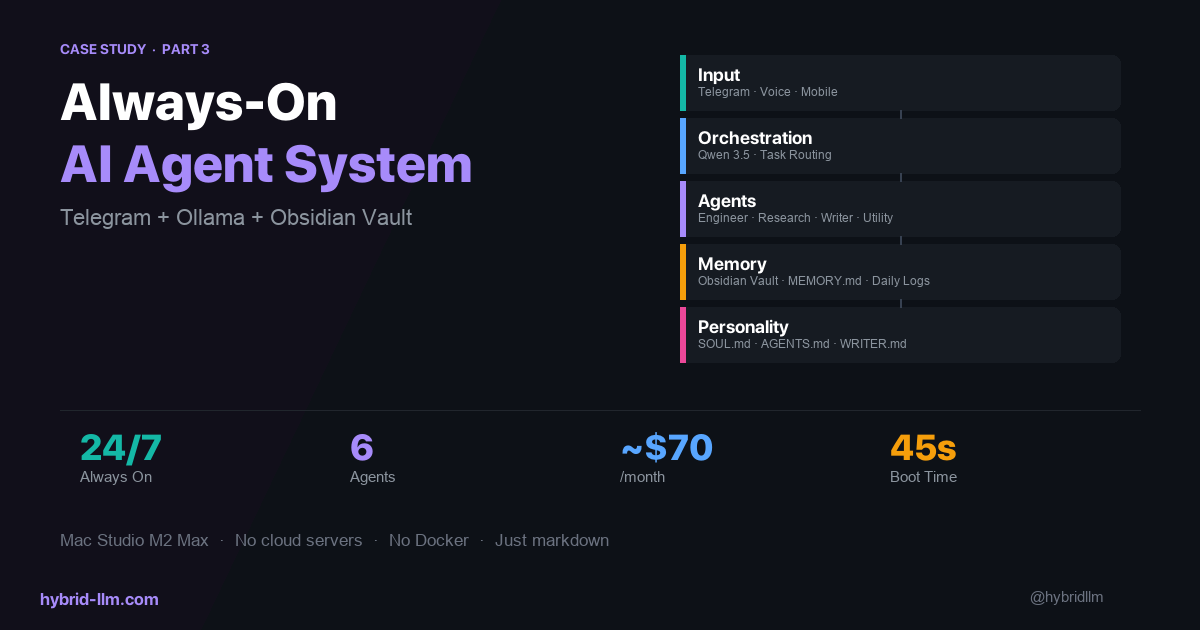
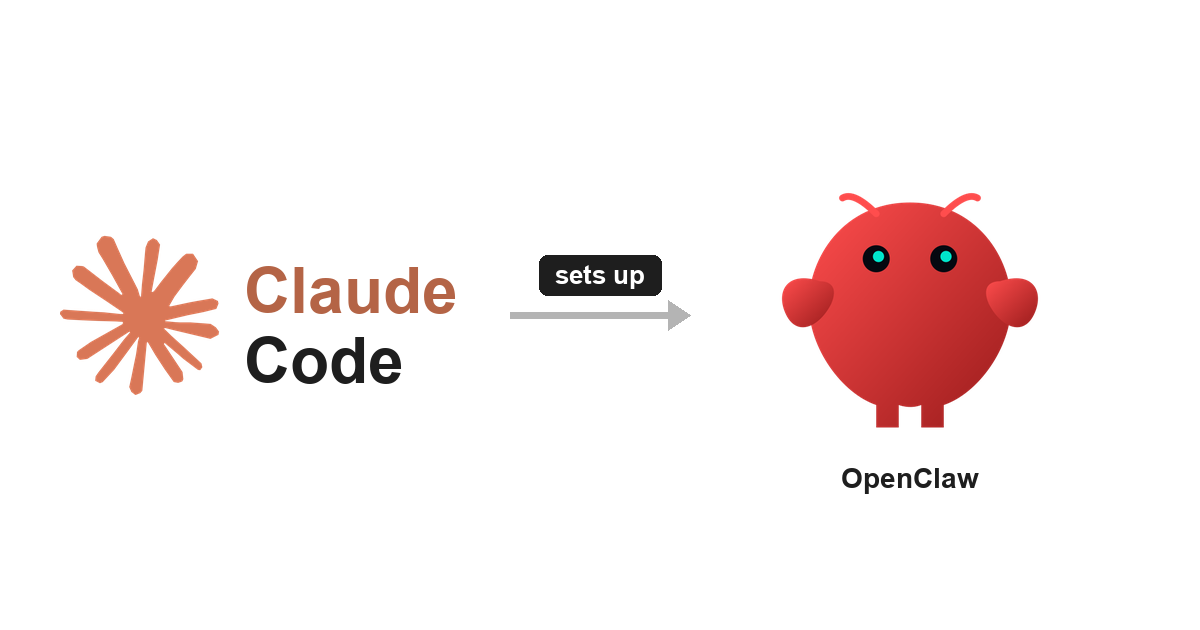
OpenClaw is essentially a framework for keeping that context alive. You write your information, values, and workflow preferences into files. Claude Code reads those files and acts on them. Think of it like handing a detailed briefing doc to a new assistant — except the assistant never forgets it.
I assumed this was strictly an engineer’s tool. Turns out, it depends entirely on how you use it.
What I Actually Do
There are roughly four patterns I’ve found for using OpenClaw with Claude Code. Here’s how they map to what I do in practice.
1. Let Claude Code Handle the Setup Itself
The first obstacle was installation. But the thing I didn’t realize at first: you can ask Claude Code to figure out the setup for you.
“I want to install OpenClaw on this Mac. What do I do?” It gives you the steps. “Go ahead and do it.” It runs the commands. I didn’t need to understand what was being typed into the terminal — Claude Code handled the translation.
There are Reddit threads reporting full setup in under a minute. That’s roughly what my experience was too, even without an engineering background.
2. Change Settings in Plain Language
OpenClaw has a file called SOUL.md — a place to define your agent’s personality, values, and operating principles.
When I want to update it, I don’t open the file and edit it directly. I just tell Claude Code: “Add this principle to SOUL.md.” It reads the file, finds the right place, and makes the change.
For non-engineers, the psychological barrier of editing config files directly is real. Being able to change settings through natural language turns out to matter more than I expected.
3. OpenClaw as Commander, Claude Code as Executor
This is the pattern that’s made the biggest difference in my workflow.
OpenClaw holds my context — ongoing projects, notes, priorities. Claude Code reads that context and does the actual work: drafting articles, summarizing research, organizing files.
OpenClaw knows what needs to happen. Claude Code figures out how to make it happen. My job is just to say what I want.
This article, for the record, is being written inside that exact workflow.
4. Do You Even Need OpenClaw?
Honestly, the more I dug in, the more I found people saying you can replicate most of this with Claude Code alone. Some have built OpenClaw-like behavior using HEARTBEAT.md and Cron jobs.
For engineers, that probably makes sense. For me, the value of OpenClaw is that it tells me where to put things. Without the framework, I’d have to design the structure myself. That design cost is high when you’re not coming from a technical background.
Where I Got Stuck
Honest version:
The terminal never stopped feeling risky. Every time Claude Code said “I’m going to run this command,” there was a moment of “is this okay?” That discomfort doesn’t fully go away. You just get better at reading the situation.
Errors are opaque. When something breaks, I usually don’t know what it means or where to start. The workaround: just ask Claude Code. “What does this error mean and how do I fix it?” works more often than it should.
Knowing how much to delegate is genuinely hard. Deleting files. Rewriting configs. These felt like decisions that needed a human in the loop. It took time to develop a sense of when to let it run and when to pause and confirm.
Honest Assessment
OpenClaw × Claude Code is usable without an engineering background. But “usable” doesn’t mean “fully automatic.” It means: if you can keep communicating what you want, AI will handle the implementation.
Today’s Anthropic announcement — Claude Mythos, Project Glasswing — made me think about this again. No matter how capable these models get, deciding what you want is still a human job. OpenClaw is where I store the answer to that question.
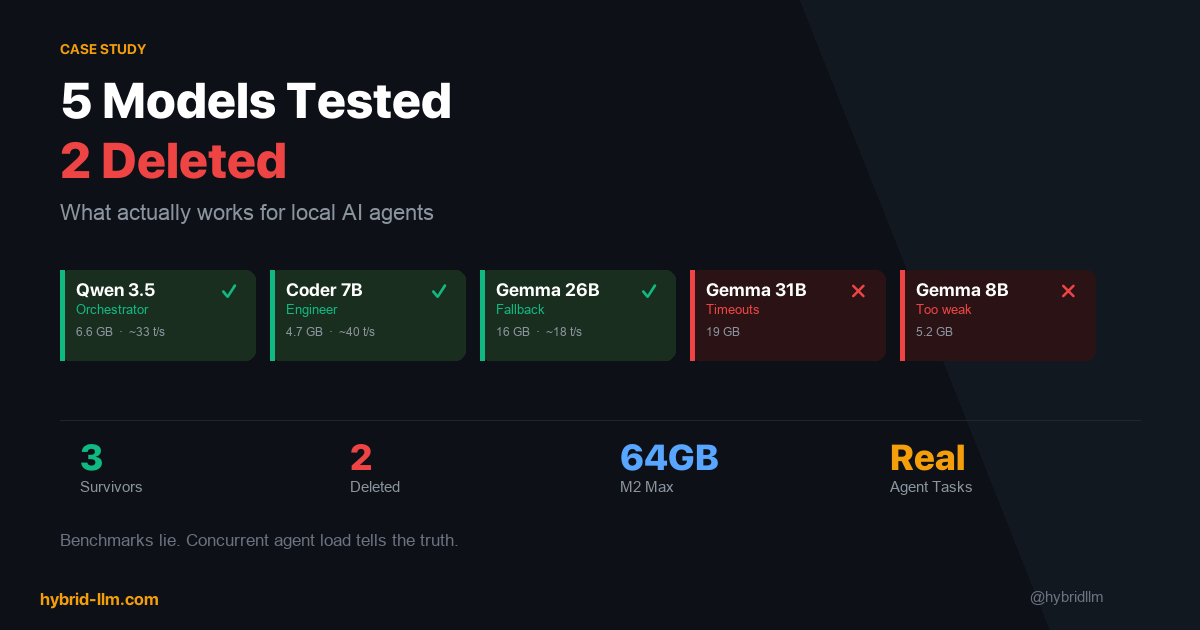
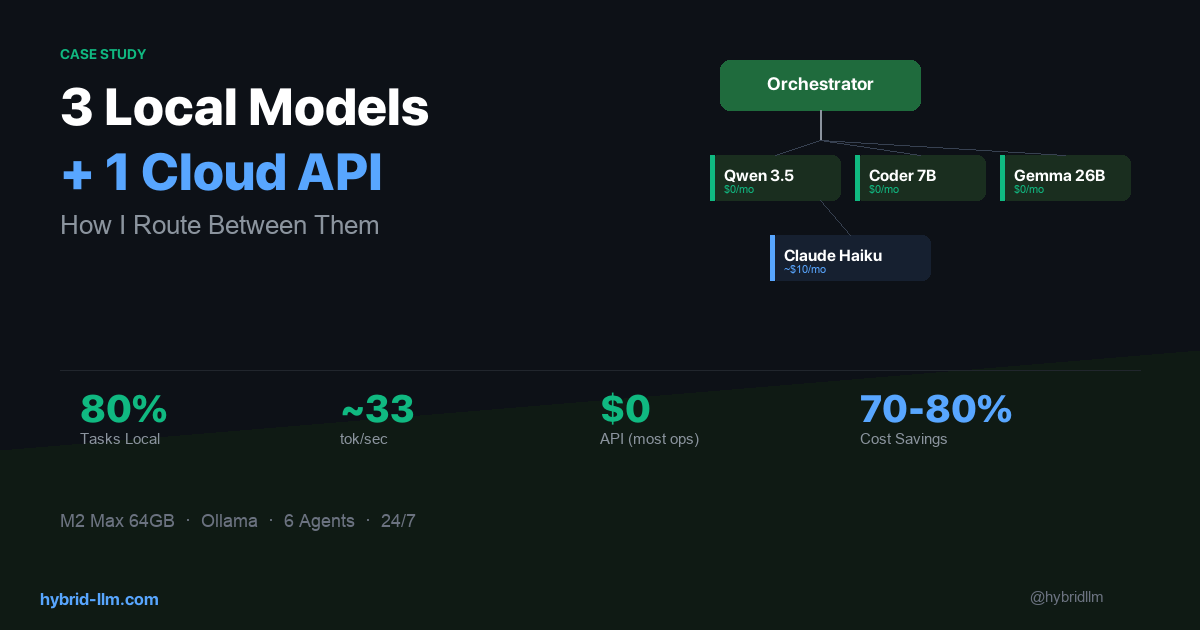
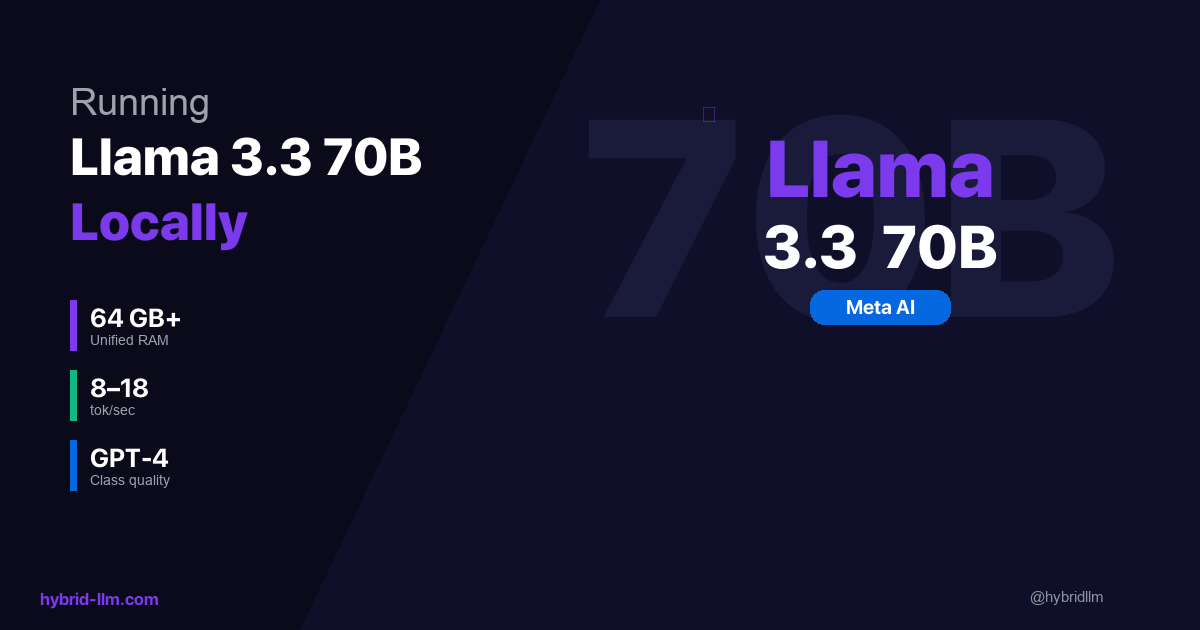
For anyone feeling uneasy about depending entirely on cloud AI, pairing a setup like this with local models is starting to feel less like a hobby experiment and more like a practical choice.
The entry point exists, even for non-engineers. That’s the thing I wanted to write down.